Install the
EGC App.
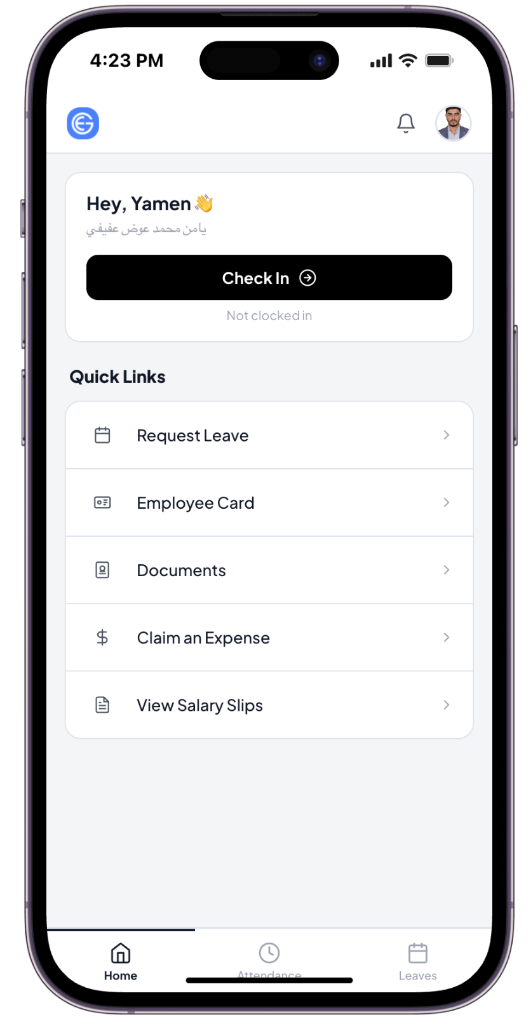
Your employee self-service portal — HR requests, payslips, leave, attendance, and company updates, all in one place.
Open & InstallScroll for installation instructions
Installation Guide
How to install.
You're on Desktop · use Chrome. Switch below if needed.
01
Open app.egc-me.com in Chrome
Navigate to app.egc-me.com in Google Chrome.
02
Click the install icon in the address bar
Look for the small screen icon (⊞) on the far right of the Chrome address bar and click it.
03
Click "Install" to confirm
A dialog will appear — click "Install".
04
Done
The EGC App opens as a standalone window on your desktop and taskbar.
Ready to install?
Open app.egc-me.com — your browser will prompt you to install.